Choose an integration
Choose Excel, CSV or PDF. LCAB reads the sheet and suggests which columns are which.
Product
LCAB gathers product data, materials and documentation in one place. You start with Excel or the bill of materials, follow a guided flow and get a draft with your own figures, which you can show the customer. From there you can build toward reports and a digital product passport.
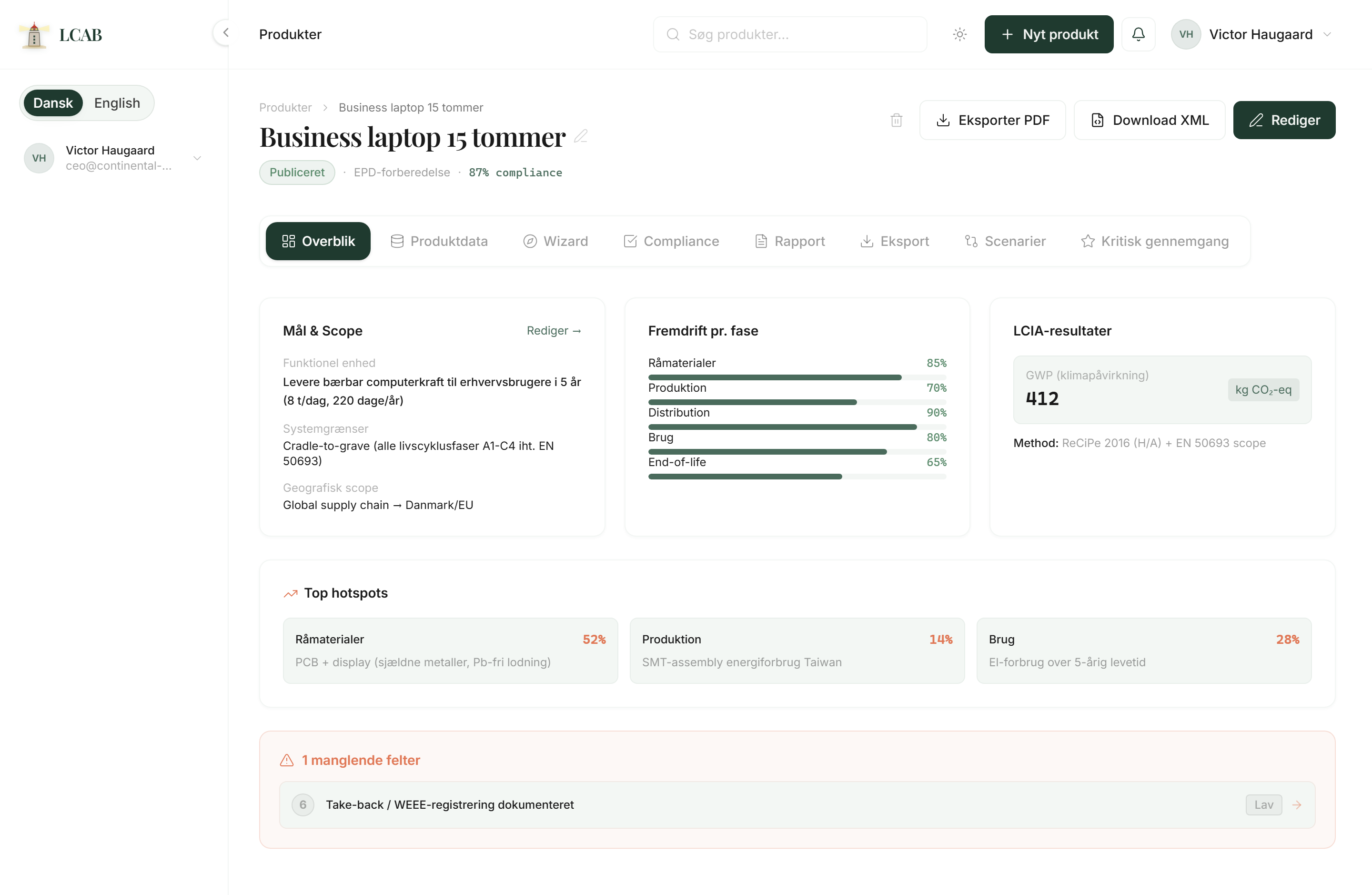
Features are built as natural steps. You do not need to do everything at once. Start where your data already lives, then build from there.
Integration
Product
Materials and suppliers
LCA and CO2
Reports
DPP and compliance
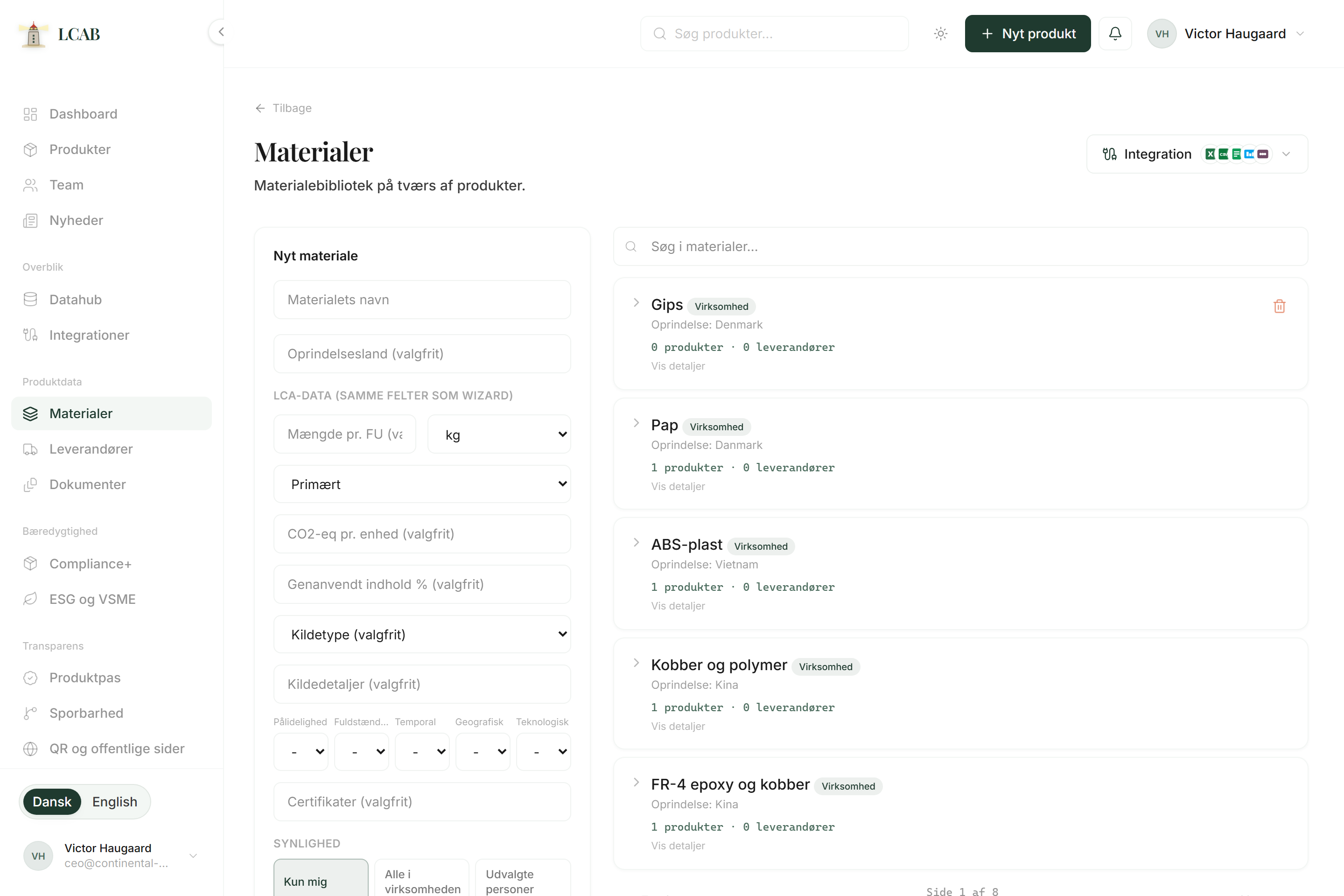
Choose Excel, CSV or PDF. LCAB reads the sheet and suggests which columns are which.
See the fields customers typically ask about that you do not have in place yet. Transport and end of the product's life show up as gaps.
An Excel sheet is enough. LCAB pulls materials and suppliers and marks the steps you still need to fill in.
PRODUCT / 0241
The same chair all the way. Powder-coated steel frame, recycled PET upholstery, oak armrests. 14.7 kg. Seven suppliers. Eighteen documents.
An EPD is not very useful if nobody remembers which supplier it came from. LCAB links the document to the supplier, the material and the product.
PRODUCT / 0241
Powder-coated steel frame. Recycled PET. Oak armrests. 14.7 kg.
Documentation 84%
Each page goes deep on one main feature: what it is, why it matters for a small product team, and what you do first. Pick what you need most right now.
HADDOCK
He can see the page you are on, and the products you have open. Unsure about a field, a document or the next step? Ask him there.
He explains what the field means and points you onward. You keep moving, without waiting for a meeting.
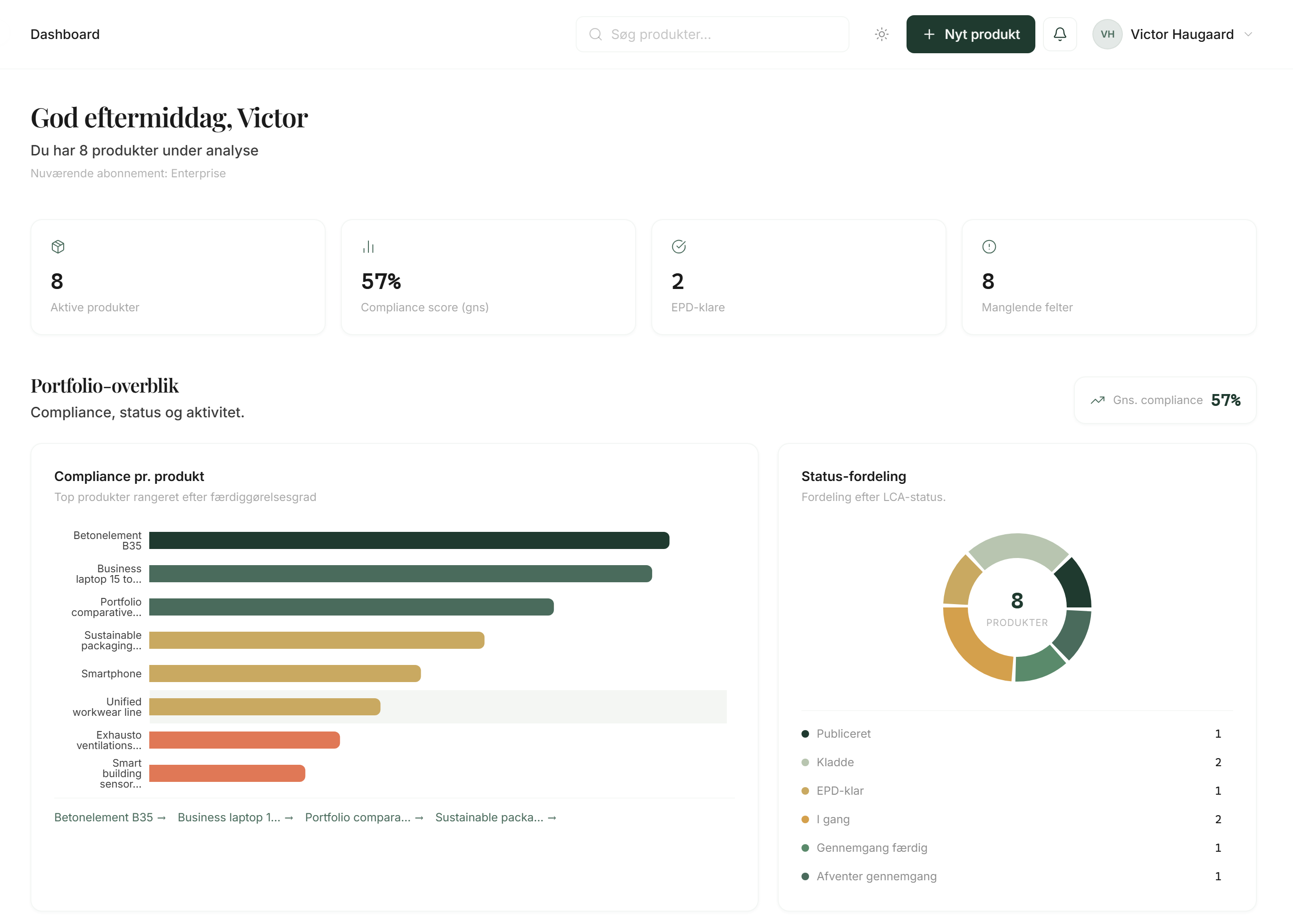
Open the demo if you first want to see a finished example, or apply to become a founding partner.
As a founding partner you get access during the test period and can work with your own products.
Use Integration to extract materials and suppliers from Excel, or add them manually.
Enter the wizard and fill what you can. Do not skip the gaps. Mark them, or let Excel extraction mark them for you.
When ready, generate a report or prepare the product passport.
LCAB makes complex sustainability requirements understandable for companies without a dedicated ESG team. During the test period, access is through founding partners.
Next step
Book a walkthrough. We look at your bill of materials and files and show how they land in LCAB.
No commitment. You can start with the demo if you want to see the system first.
01
