01
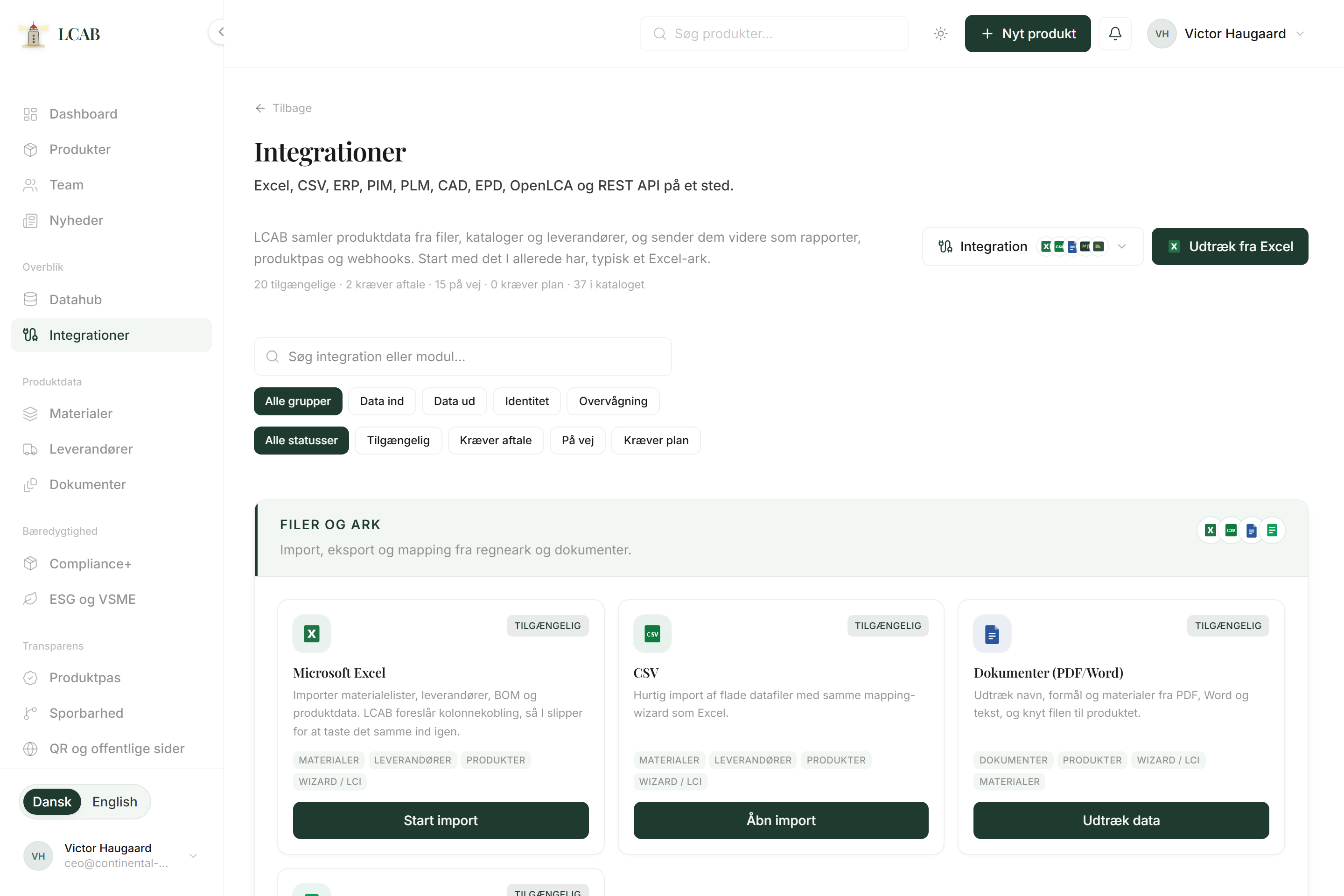
Integration button
A small button with system icons that opens a picker. You choose system, file, and press Extract data. The same button is on suppliers, materials, new product, wizard, and the integrations hub, so you do not hunt for import elsewhere.
Use it whenever you want to avoid manual entry and start from existing files or upcoming system connectors.
How to use it
- Click Integration and choose a system via the icons (for example Excel).
- Upload or pick the file from the document library.
- Press Extract data, approve mapping, and let LCAB create or fill the records.