01
ESG: the idea of accountability
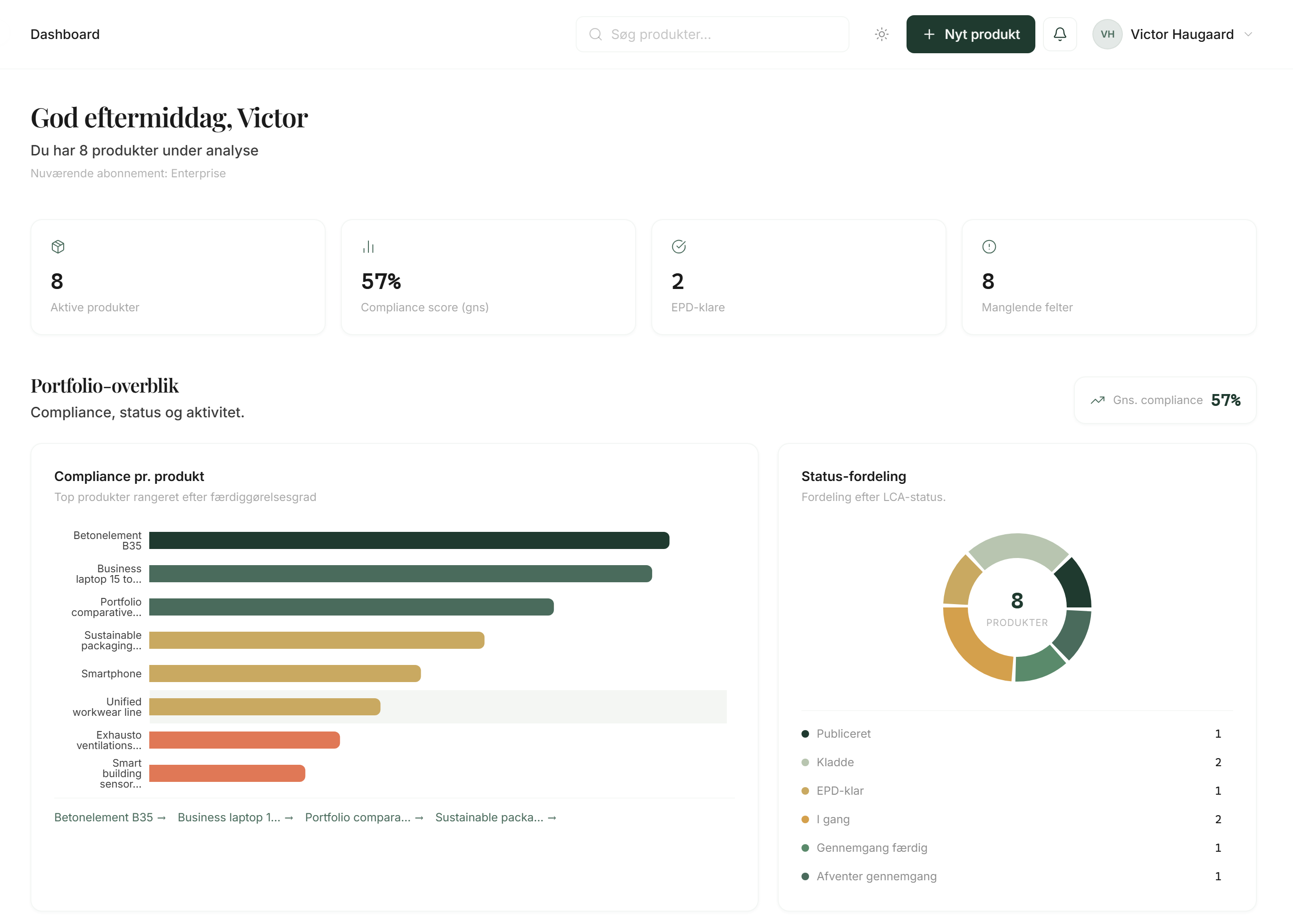
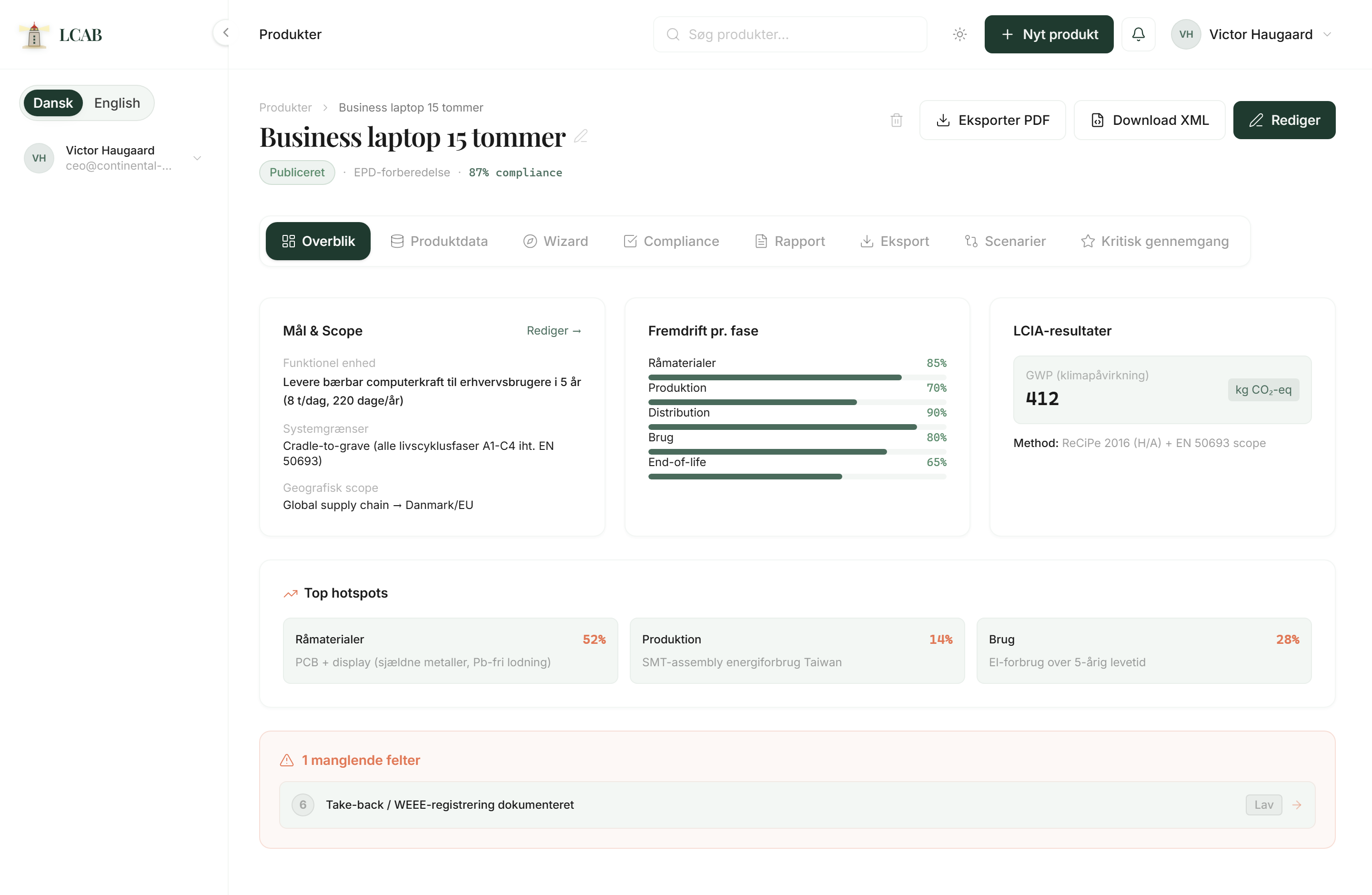
ESG is a way to assess how responsible a company is. E is environment: CO2, energy, waste, materials, and climate impact. S is people and supply chains. G is governance, controls, and documentation. ESG is not a law by itself. It is a set of questions that customers, investors, and partners increasingly ask. If a company says it is sustainable, the natural next question is: Can you prove it with data? That is where structured product data becomes essential.